




More About This Resource
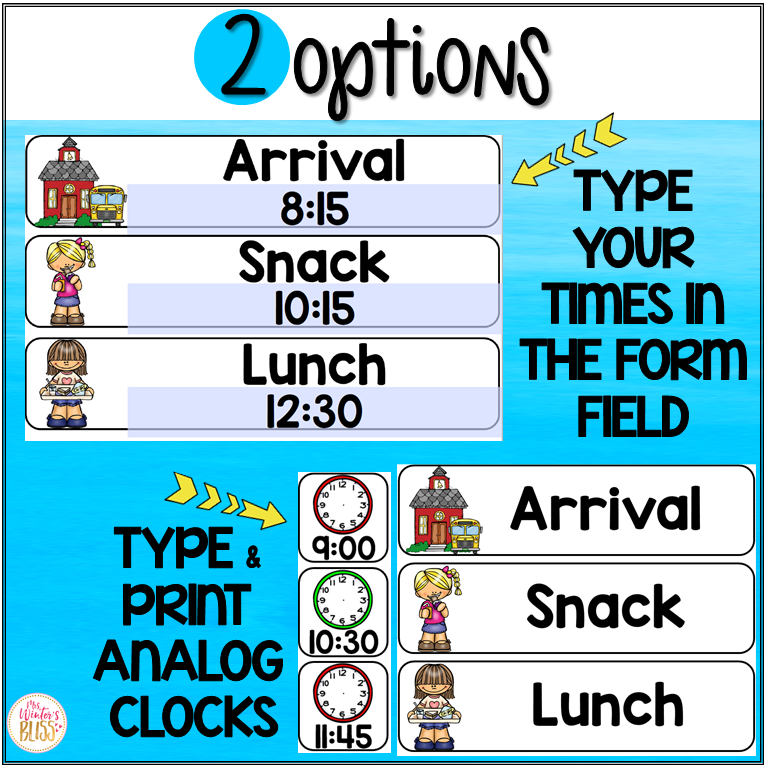
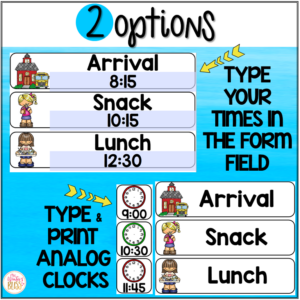
Use these EDITABLE daily visual schedule cards (with and without times) in your classroom to help you and your students be prepared and organized for each school day! This daily schedule cards resource includes editable cards so you can easily customize them for your class schedule.
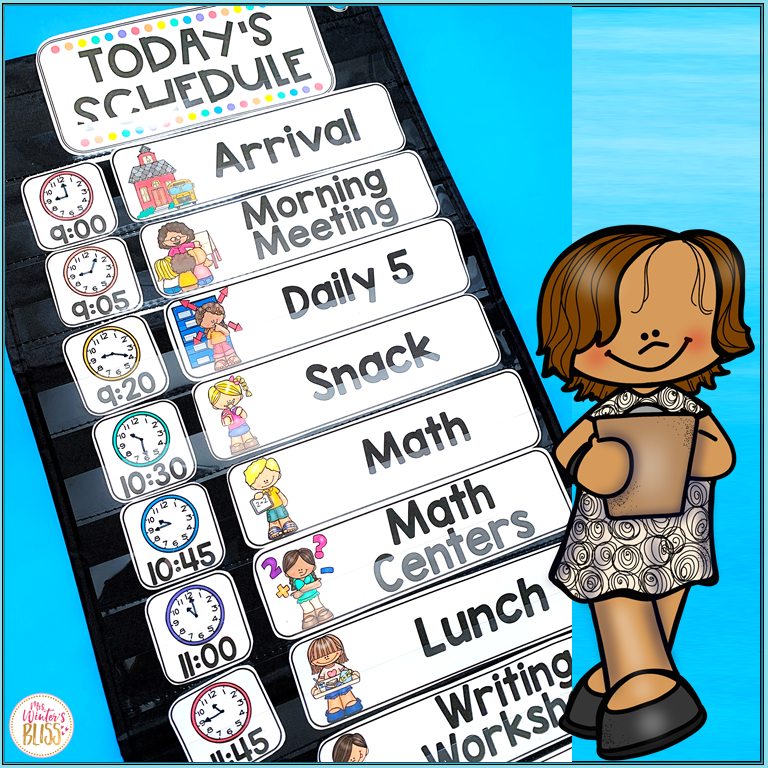
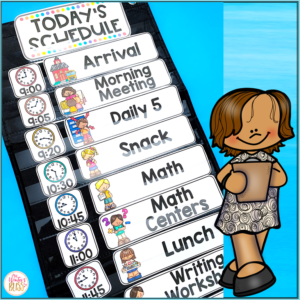
These visual schedule cards are NO PREP! Simply print the schedule cards and display them on your bulletin board, whiteboard, or in a pocket chart to easily change out to match your daily schedule! Each card size is 2″H x 7.9″H.
This Daily Schedule are appropriate to use in any elementary school classroom. They will support your classroom management as they allow transitions to run more smoothly and students to know what to expect throughout the day.
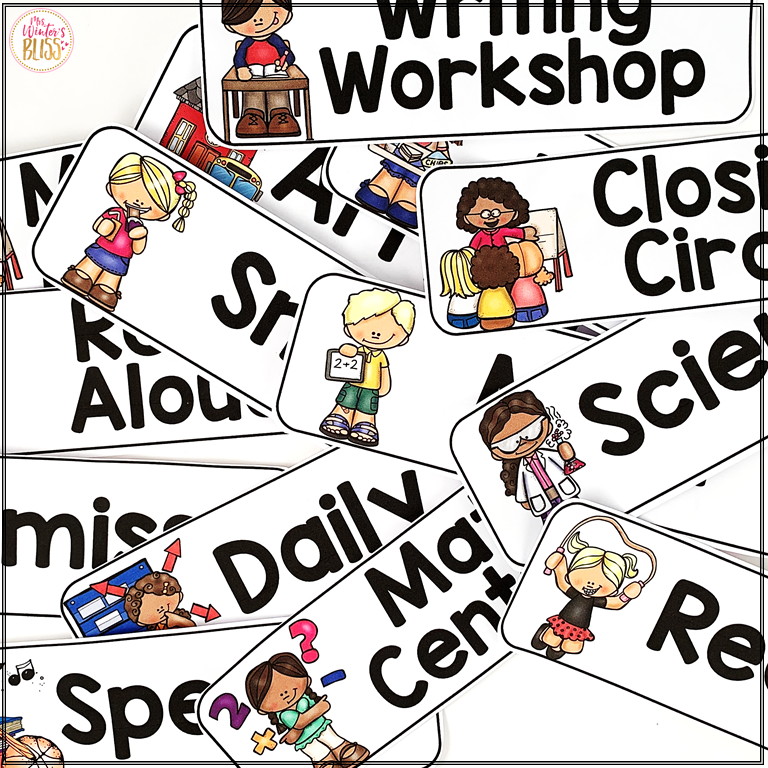
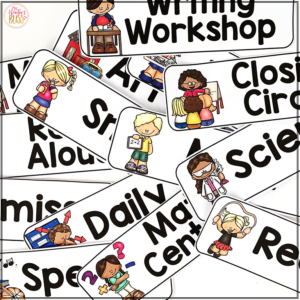
Visual Daily Schedule Cards Included in this resource: (editable versions included too)
Arrival
Snack
Bathroom
Recess
Brain Break
Quiet Time
Closing Circle
Clean Up
Dismissal
Calendar
Morning Meeting
Morning Work
Journals
Writing
Reading
Language Arts
Grammar
Spelling
Social Studies
Science
Math
Handwriting
Read-Aloud
Daily 5
Centers
Silent Reading
Guided Reading
Reading Centers
Math Centers
Writing Workshop
Reading Workshop
Math Workshop
Enrichment
Intervention
Genius Hour
Technology
Show & Tell
Specials
Music
Art
Library
Computer Lab
PE
Health
Guidance
Drama
Dance
Language
Religion
STEM
STEAM
Fun Friday
Free Choice
Special Guest
Class Celebration
Movie
Field Trip
Assembly
Buddies
ANALOG CLOCKS (you will need to draw the hands to match the times in your schedule)
Here is what teachers are saying about these EDITABLE Daily Schedule Cards:
“I love that the schedule cards display the time digitally and on an analog clock, and that there are pictures to support their literacy.”
“Using these to make a daily visual schedule for my students is a great way to create routine and structure and ease with transitions.”
“I LOVE these!! They are so perfect to use as a visual schedule, and having the ability to edit the clock times and cards is awesome!”
“We love our visual schedule. It provides a sense of security for some of my learners as they can look and know what is coming up in our day.”
Julienne Smiley –
The description is a little misleading. I thought the times were going to be editable. Not just the clock. Unless I am doing something wrong.
Christina –
Hi Julienne, the times are editable! Email me directly, I’d love to help you so you have what you need! -Christina
[email protected]
Lisa C. –
I love this daily schedule, and nearly every teacher who has visited my classroom does too!
Primary Teaching Resources –
These labels are the perfect size for my schedule pocket chart.
Stephanie W. –
These class schedule cards are perfect for my visual students and the ones who don’t need visuals. It was super easy to put them together for my classroom!
A Teacher’s Pet –
This had everything I needed for my class schedule!
FirstSecondThird Teaching Nerd –
Love this and the clocks!
Allie H. –
Great Resource!!
Jamie M. –
Extremely satisfied – I used this visual schedule for my Grade 4 and 5 students and they loved being able to review the schedule daily. Good use for practically any grade.
Amanda S. –
I’m excited to use this visual schedule for my students! However, when I try to edit certain words, the wording becomes small and I can’t adjust the size. Hoping someone can help me!
Christina –
Hi Amanda-
I am sorry you are having difficulty, I have some
If you open the file in your internet browser, temporary files. or downloads the auto fill features will not work!
Here is how to open:
Download and save the file to your computer.
Open the file: it should automatically open in your Adobe Reader- if it does not, right click the file name and choose: Open in Adobe. If for some reason you don’t have the free reader installed in your computer, http://get.adobe.com/reader/otherversions/
Checkout this page where I have listed common printing problem (with pictures) and solutions: https://mrswintersbliss.com/support/
Feel free to email me if you need more help!
~Christina
[email protected]
Allie L. –
Cute and easily readable!
Sandra P. –
I can’t wait to use the product next week, but I don’t see the hands on the clocks? In the picture, it shows they have hands too. Please advise, when you get a moment. Thank you.
Christina –
Hi Sandra, the clipartist did not draw the hands, I drew with a marker to customize for my schedule. Thanks for your purchase! -Christina
Niamh W. –
This is perfect for my kiddos with varying abilities, thanks so much for this wonderful resource!
Heather H. –
These worked well for our daily schedule poster
Kelly M. –
Looks great in my classroom and looking forward to staying on schedule this year!
Jacki S. –
Thank you for creating!
Priscilla C. –
Thank you for a great resource to use in my classroom this year.
Jennifer M. –
This was easily edited and works great as a visual schedule for my students!
Emily C. –
Love this!
Kelsey R. –
I was very upset with this product. I was not able to edit the template without the font getting messed up.
Christina –
Hi Kelsey, I am sorry you are disappointed. It sounds like you are experiencing technical difficulties. I am happy to help. My best guess is you are opening the pdf in your web browser, you need to open it in Adobe to edit.
If you open the file in your internet browser, temporary files. or downloads the editing features will not work correctly!
Here is how to open:
Download and save the file to your computer.
Open the file: it should automatically open in your Adobe Reader- if it does not, right click the file name and choose: Open in Adobe. If for some reason you don’t have the free reader installed in your computer, http://get.adobe.com/reader/otherversions/
Checkout this page where I have listed common printing problem (with pictures) and solutions: https://mrswintersbliss.com/support/
Feel free to email me if you need more help!
~Christina
[email protected]
Moving Mountains with Mrs F –
Perfect for scheduling