




More About This Resource
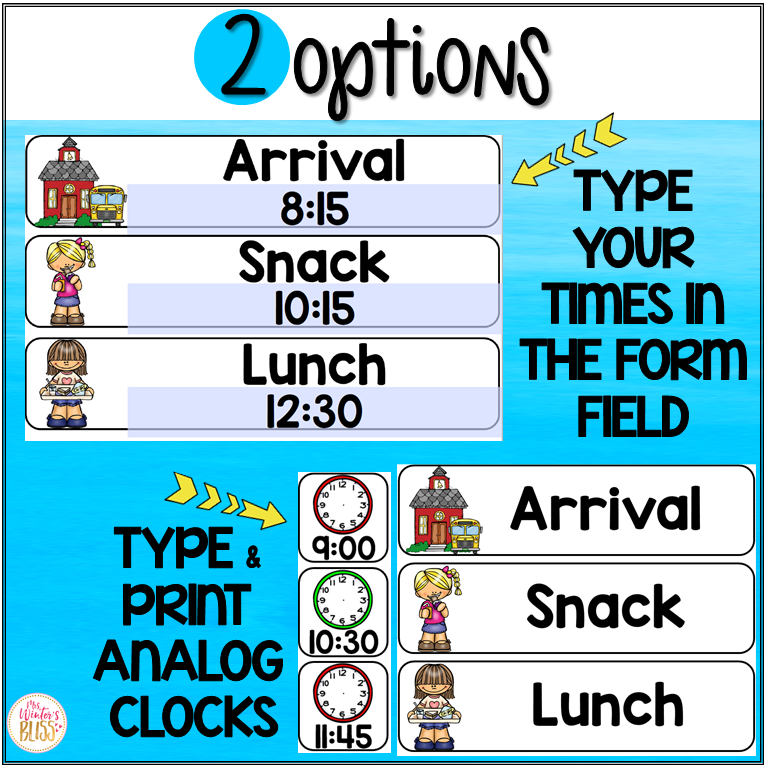
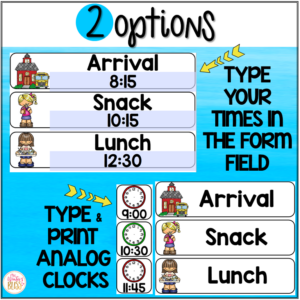
Use these EDITABLE daily visual schedule cards (with and without times) in your classroom to help you and your students be prepared and organized for each school day! This daily schedule cards resource includes editable cards so you can easily customize them for your class schedule.
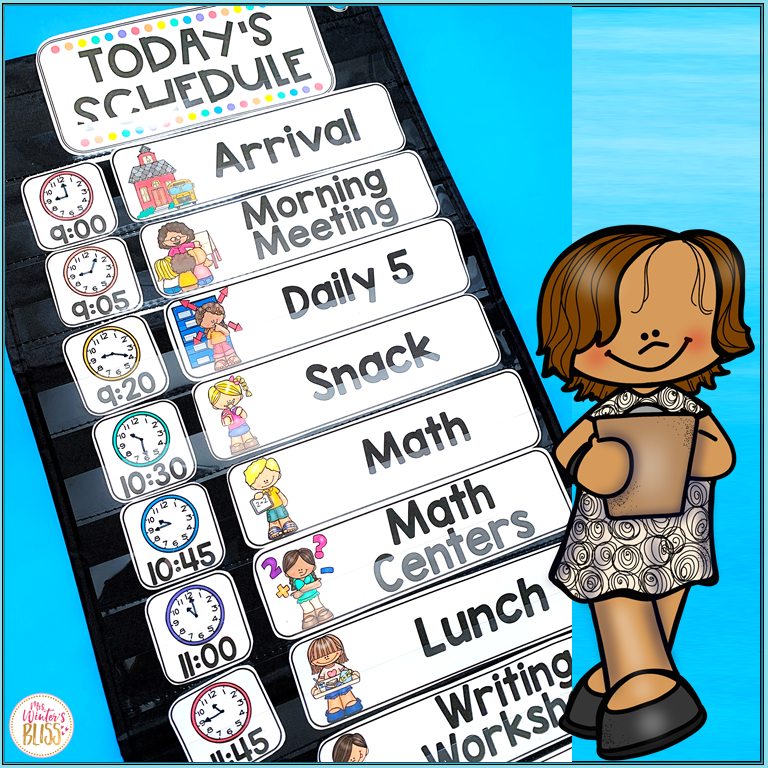
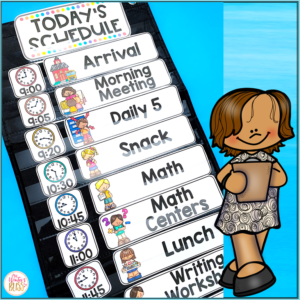
These visual schedule cards are NO PREP! Simply print the schedule cards and display them on your bulletin board, whiteboard, or in a pocket chart to easily change out to match your daily schedule! Each card size is 2″H x 7.9″H.
This Daily Schedule are appropriate to use in any elementary school classroom. They will support your classroom management as they allow transitions to run more smoothly and students to know what to expect throughout the day.
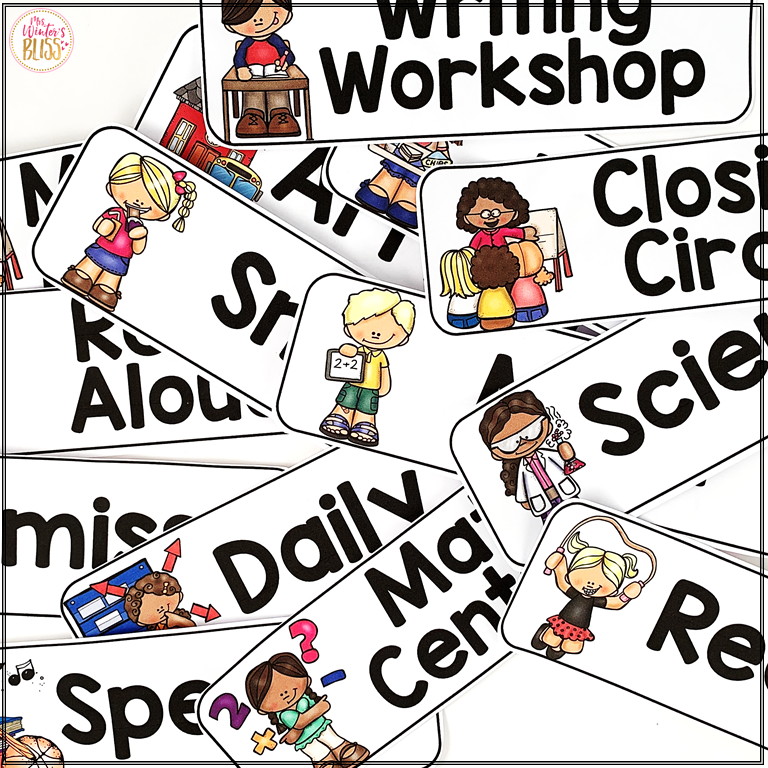
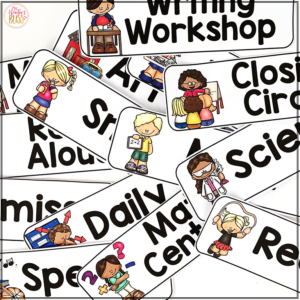
Visual Daily Schedule Cards Included in this resource: (editable versions included too)
Arrival
Snack
Bathroom
Recess
Brain Break
Quiet Time
Closing Circle
Clean Up
Dismissal
Calendar
Morning Meeting
Morning Work
Journals
Writing
Reading
Language Arts
Grammar
Spelling
Social Studies
Science
Math
Handwriting
Read-Aloud
Daily 5
Centers
Silent Reading
Guided Reading
Reading Centers
Math Centers
Writing Workshop
Reading Workshop
Math Workshop
Enrichment
Intervention
Genius Hour
Technology
Show & Tell
Specials
Music
Art
Library
Computer Lab
PE
Health
Guidance
Drama
Dance
Language
Religion
STEM
STEAM
Fun Friday
Free Choice
Special Guest
Class Celebration
Movie
Field Trip
Assembly
Buddies
ANALOG CLOCKS (you will need to draw the hands to match the times in your schedule)
Here is what teachers are saying about these EDITABLE Daily Schedule Cards:
“I love that the schedule cards display the time digitally and on an analog clock, and that there are pictures to support their literacy.”
“Using these to make a daily visual schedule for my students is a great way to create routine and structure and ease with transitions.”
“I LOVE these!! They are so perfect to use as a visual schedule, and having the ability to edit the clock times and cards is awesome!”
“We love our visual schedule. It provides a sense of security for some of my learners as they can look and know what is coming up in our day.”
Heather G. –
This is a wonderful learning/classroom reasource.
Mark Wright –
This resource is great for a visual schedule. I like that it has both analog and digital clocks available. It didn’t take much time to prepare this resource.
Erin M. –
This was a great resource to use for students that needs to have a visual. My students enjoyed knowing what was planned for the day.
Dee M. –
Easy to read, colorful, perfect for the classroom!
Rachel T. –
Visually pleasing and easy to read.
RaeAnn Blomsnes –
I love that these are editable!! Perfect for our class!
Emily R. –
great!
Jacquelyn S. –
Just what I needed
Alyssa A. –
Is a nice addition to the classroom. Great visual for the students.
Louise M. –
Great
Alma P. –
This worked nicely in my K-5 SPED room. The kids were able to keep track of the daily schedule.
Haley S. –
Haven’t had a chance to use yet. I love the way it has the analog clock.
cynthia K. –
Worked out great
Kristin Alarid –
great!
Maria A. –
Great thanks
Sara G. –
I was really excited about this resource but I had a hard time customizing it. When I typed in my information the font wasn’t the same as the pre-printed cards, so I had a difficult time making it look right. I am going to play around with it more this summer so hopefully I can get it to look nice. I really want to use this in my classroom as a daily schedule resource for my students.
Christina –
Hi Sara,
I am sorry you are having difficulty, I have some suggestions that will likely solve your problem.
If you open the file in your internet browser, temporary files. or downloads the editable features will not work!
Here is how to open:
Download and save the file to your computer.
Open the file: it should automatically open in your Adobe Reader- if it does not, right click the file name and choose: Open in Adobe. If for some reason you don’t have the free reader installed in your computer, http://get.adobe.com/reader/otherversions/
If you are still having difficulty:
Make sure your copy of Adobe is up to date by downloading the most recent version- open the PDF and click Help>Check for Updates on the top toolbar.
Checkout this page where I have listed common printing problem (with pictures) and solutions: https://mrswintersbliss.com/support/
Feel free to email me if you need more help!
~Christina
[email protected]
Kellycaseyco –
Great visual, thanks!
Susan L. –
This is such a nice schedule board for my class.
Kelsey Y. –
I enjoyed this product to help me build my schedule using pictures for my nonreaders. Will be using it every year!
Krista O. –
This is exactly what I’ve been looking for in my room. With this year almost over, I’m looking forward to next year’s classroom and I’m so excited to start using these!